


How do you keep the message of Sunday alive?
On Sundays after the morning service, Donkey Echo provides you with key points, reflection questions, practical applications, and a summary of the sermon!


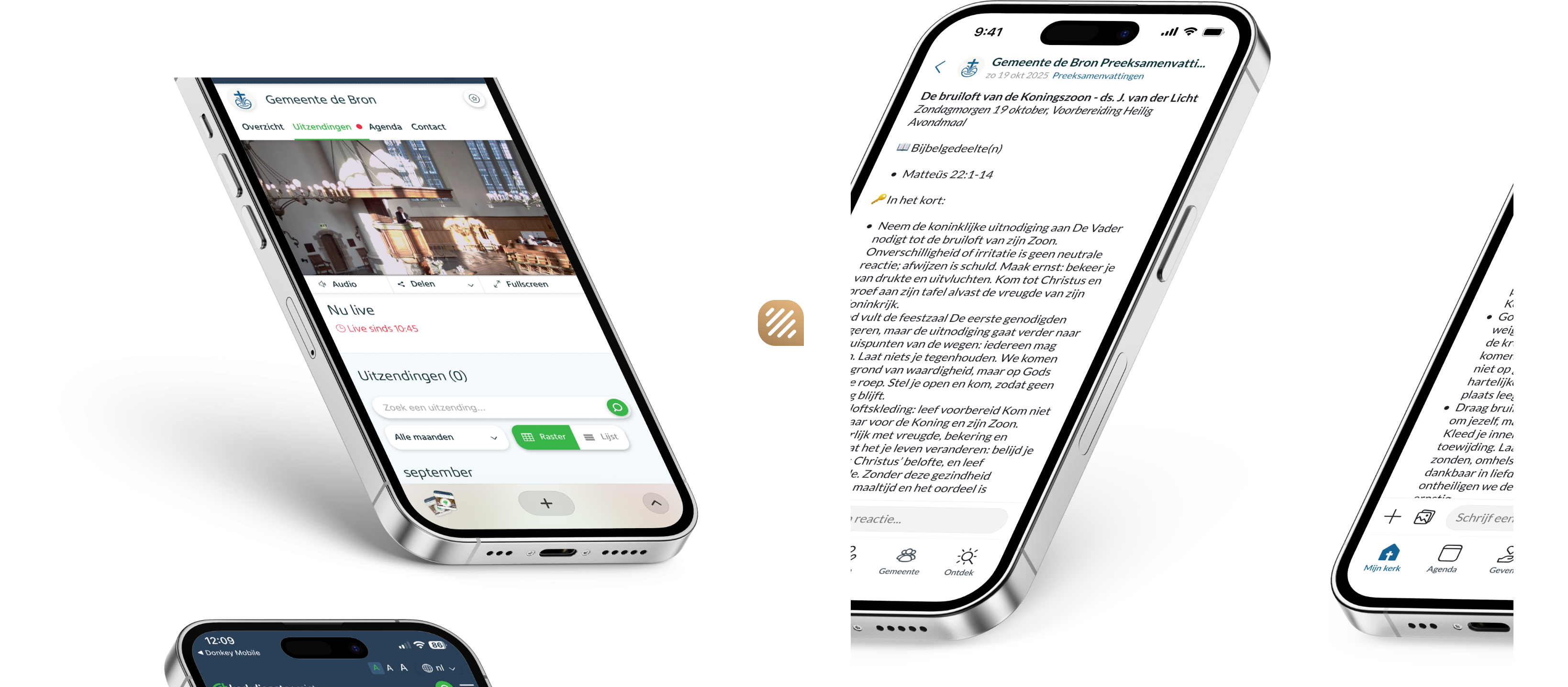
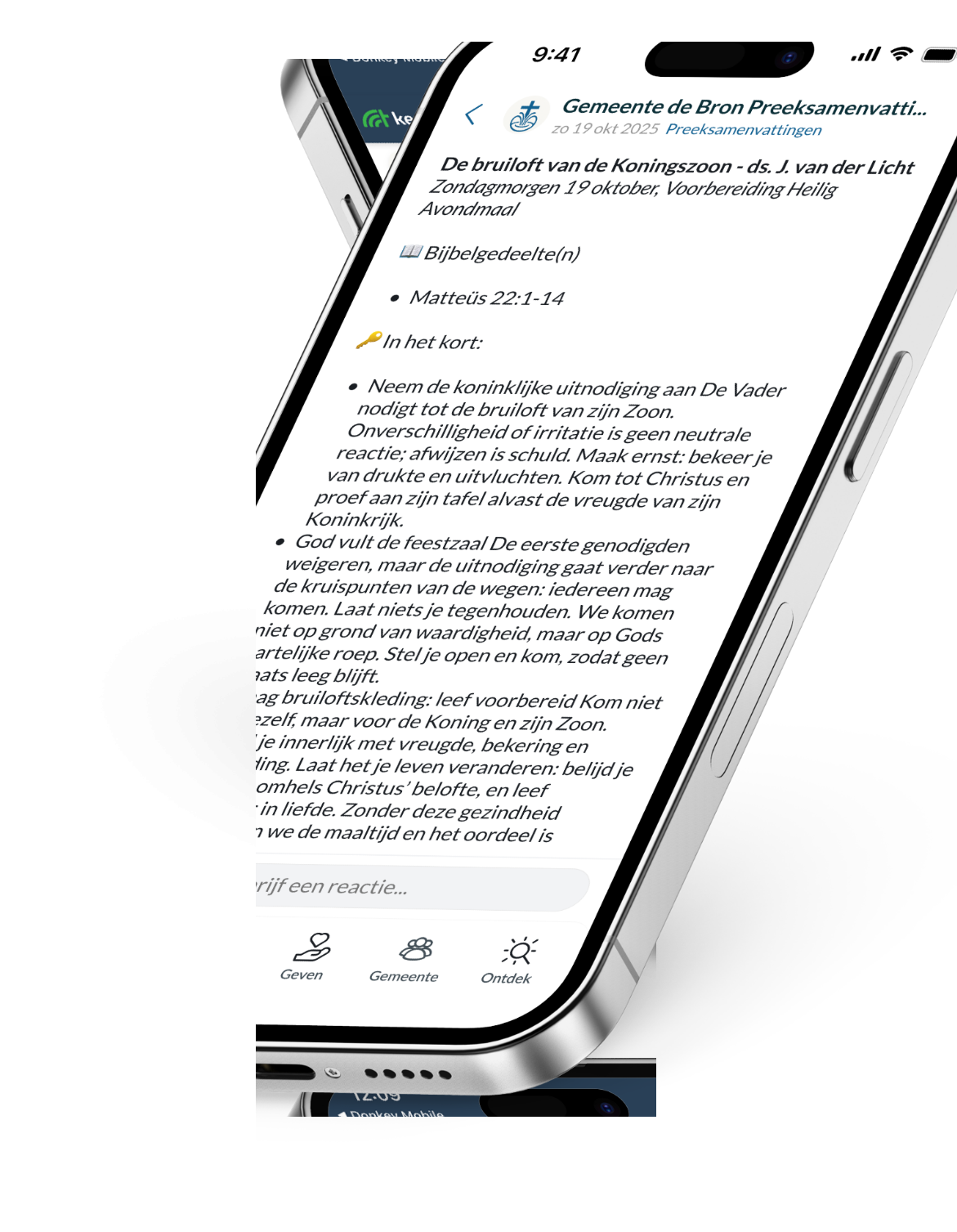

One summary for everyone
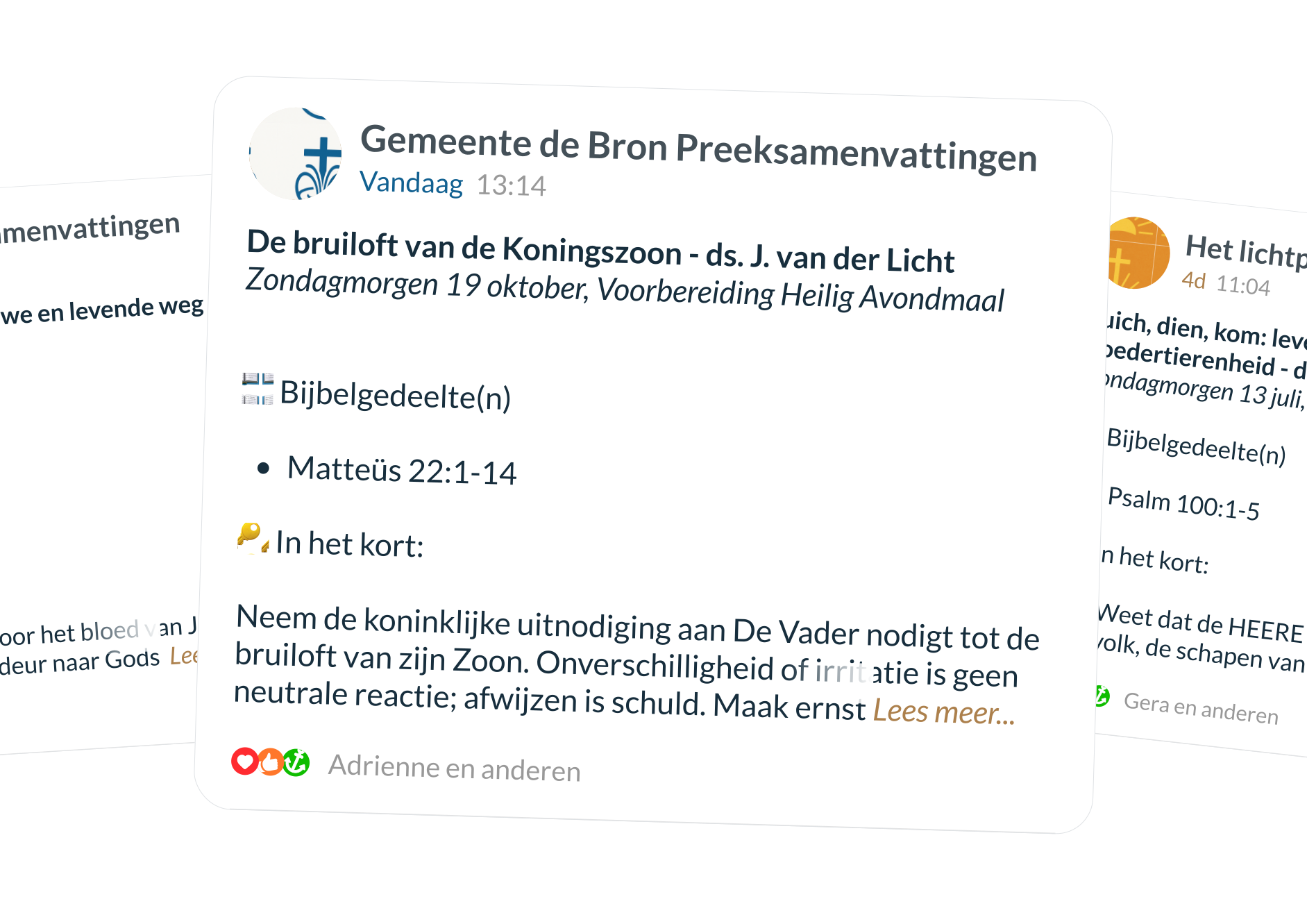
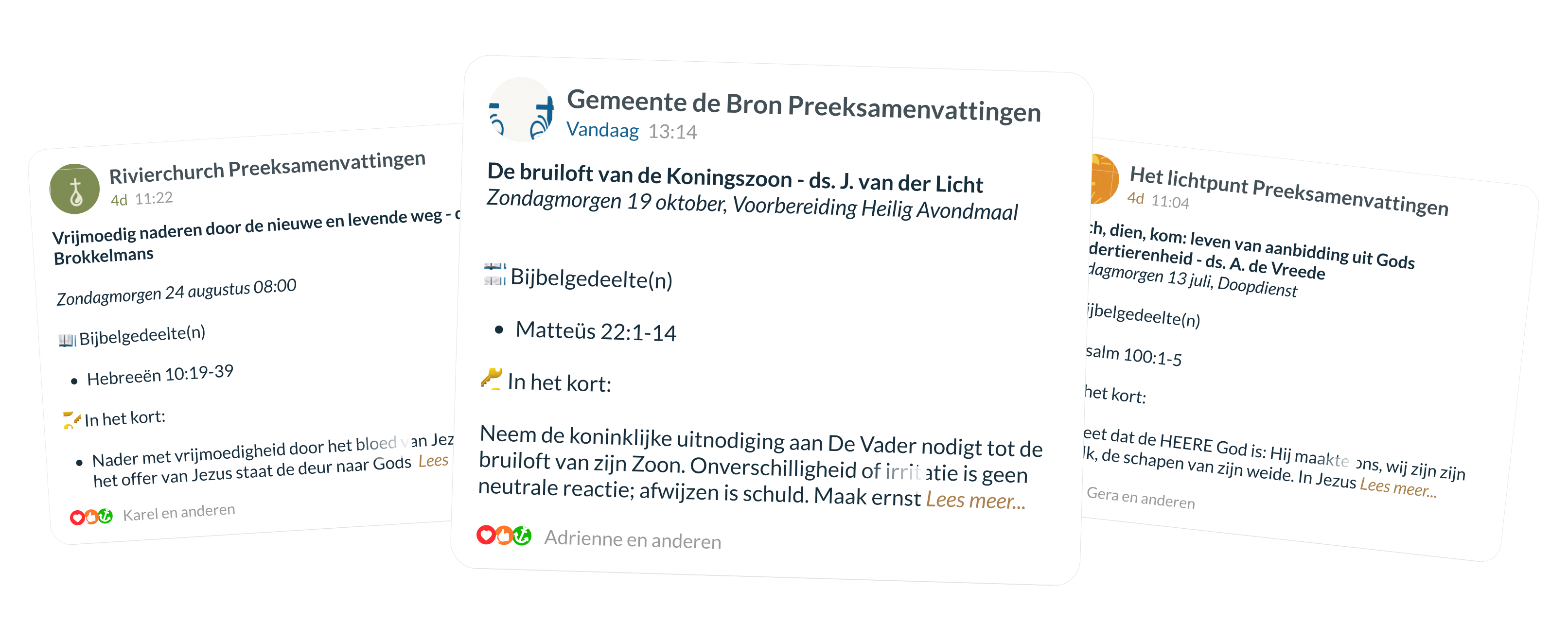
Give your congregation guidance after Sunday. Immediately after the service, Donkey Echo posts a clear, actionable summary in your church app. Everyone can find the key points, along with questions for Bible study and personal reflection. Small groups use the same content as discussion material. This strengthens engagement, both at home and in groups, and helps your members easily make the transition from listening to doing.
Get started right away
Set up Echo
Add the summaries via the Stable. Log in to the stable, click on 'Donkey Echoand set the summaries.
The summary
Immediately after the morning service, a clear, practical summary is ready in the church app. This happens completely automatically; you do not need to do anything.
Get started
Use the summary in circles, youth groups, or at home. The key points and questions help you open the conversation and make the step from listening to doing.
Use the summary during the week
During circle time
The summary of the Sunday sermon provides a clear framework for opening the discussion. Instead of searching for a long recording, the group can immediately reflect together on the key points. This leaves more room for personal stories, prayer, and deeper reflection.
In youth groups
Young people often need short, clear input. With the summary, they are presented with the core message in a few points, without difficult language or long texts. This makes it easy to understand the message, remember it, and even share it with friends or on social media.
For the municipality
The summary makes it easy to reread the sermon at your leisure in your own time. Whether that is during a personal moment of reflection or together with the family at the table, the core of the message remains close and accessible.
FAQ
Do we need to upload the service manually, or does this happen automatically?
This happens automatically. You can set up the connection with your Kerkdienstgemist account in the Stable.
Can we adjust or edit the summaries?
No, at this moment it is not possible to adjust or edit the summaries. Because the product is still under development, we would appreciate your feedback.
Are there any costs associated with participation?
This beta version is available free of charge to customers who use both Kerkdienstgemist and Donkey Mobile. We do not rule out the possibility that we may have to charge for this in the future.
How does the AI summarize our sermon or service?
The AI creates the summary by reading the text from your Kerkdienstgemist broadcast and applying a prompt compiled by Donkey Mobile. This may contain errors. We would appreciate your feedback on this beta version.
What exactly does the beta entail?
That the product is still in a testing phase.
Does this work only with audio or also with video?
This works with both audio and video.
What happens to the data and recordings we share?
The data is processed by OpenAI to generate a summary. We use their API for this purpose. This data is not used to train their models and is deleted after 30 days by default. You can find more information on this page.
How do you ensure that the summary stays true to the message?
We have extensively tested Donkey Echo for reliability. At the same time, we cannot guarantee that it is error-free. In this beta version, we also want to learn how to improve the summaries.
How do I ensure that the pastor's name is visible in the summary?
Ensure that the name is included in the designated field in kerkdienstgemist.
