


Renew the App Store licence
In this article, we explain how to renew your App Store license. It is an annual event.
To log in to the Apple Developer Account, you need:
- The Apple ID (an email address that will usually look like this: app.[church name]@gmail.com)
- The corresponding password
- Access to the linked 06 number
Step-by-step plan:
1. Open in the browser this website and click on 'Account' in the top right.
You can now log in.
Once you are logged in, you will see the following screen:
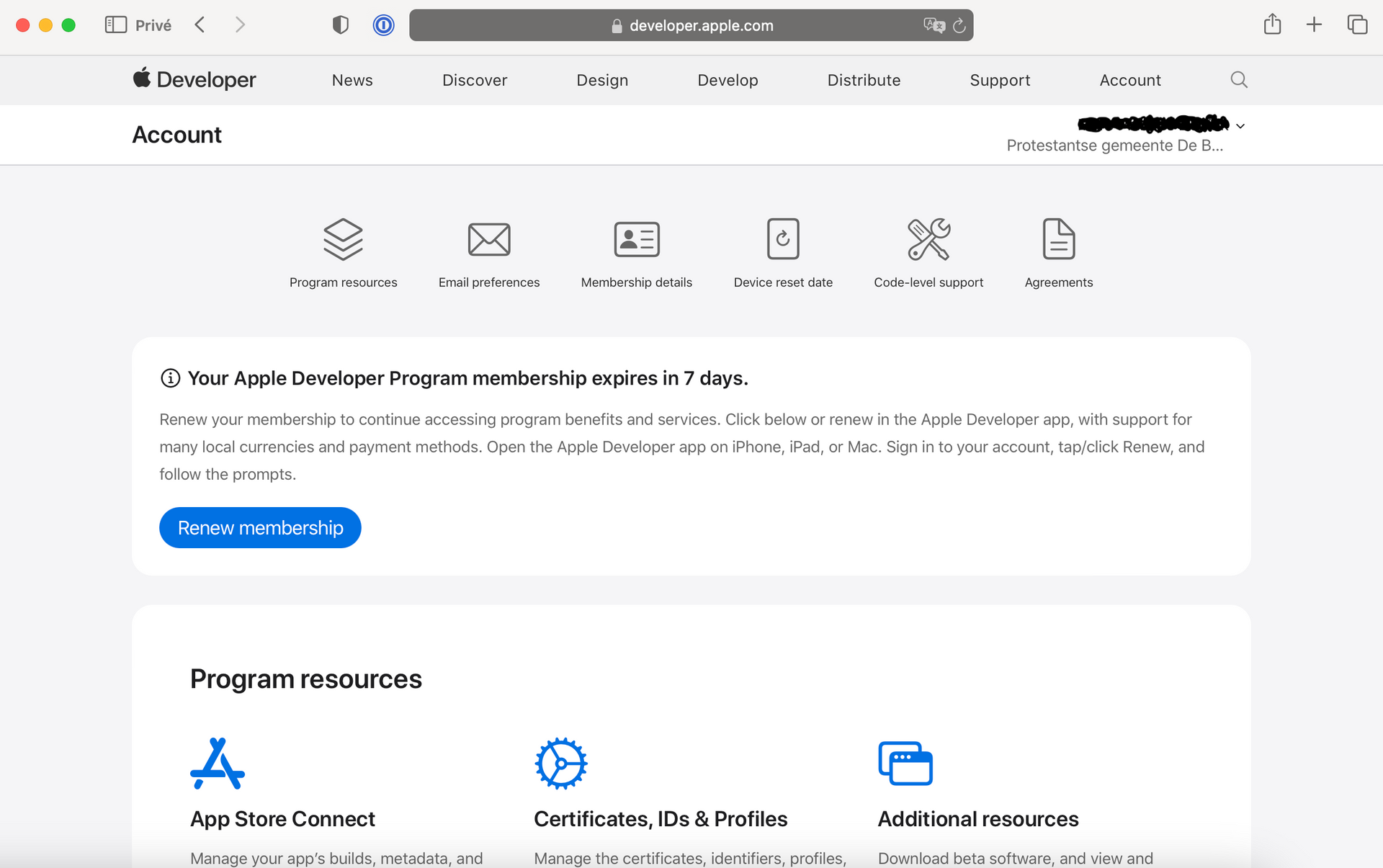
In the top right corner, you will find the name under which it was originally registered and the legally valid name of the church/organization. You can renew the license starting 30 days before it expires.
2. Click on the blue button: "Renew membership". A pop-up will now appear on your screen. It looks like this:
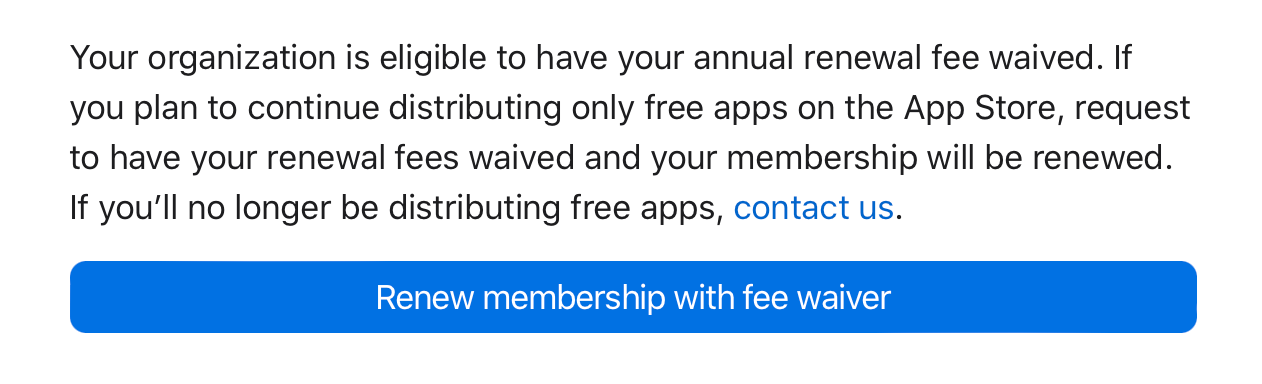
3. Click on the blue bar "Renew membership with fee waiver"
Your license has now been renewed for another year. Please don't forget to mark the date in your calendar for next year.
